WiFi CCTV Camera Buying Guide for Homes and Shops in India
How to choose a WiFi CCTV camera in India: resolution, night vision, two-way audio, PTZ, IP rating, storage, app, 3-year running cost, warranty and BIS registration.
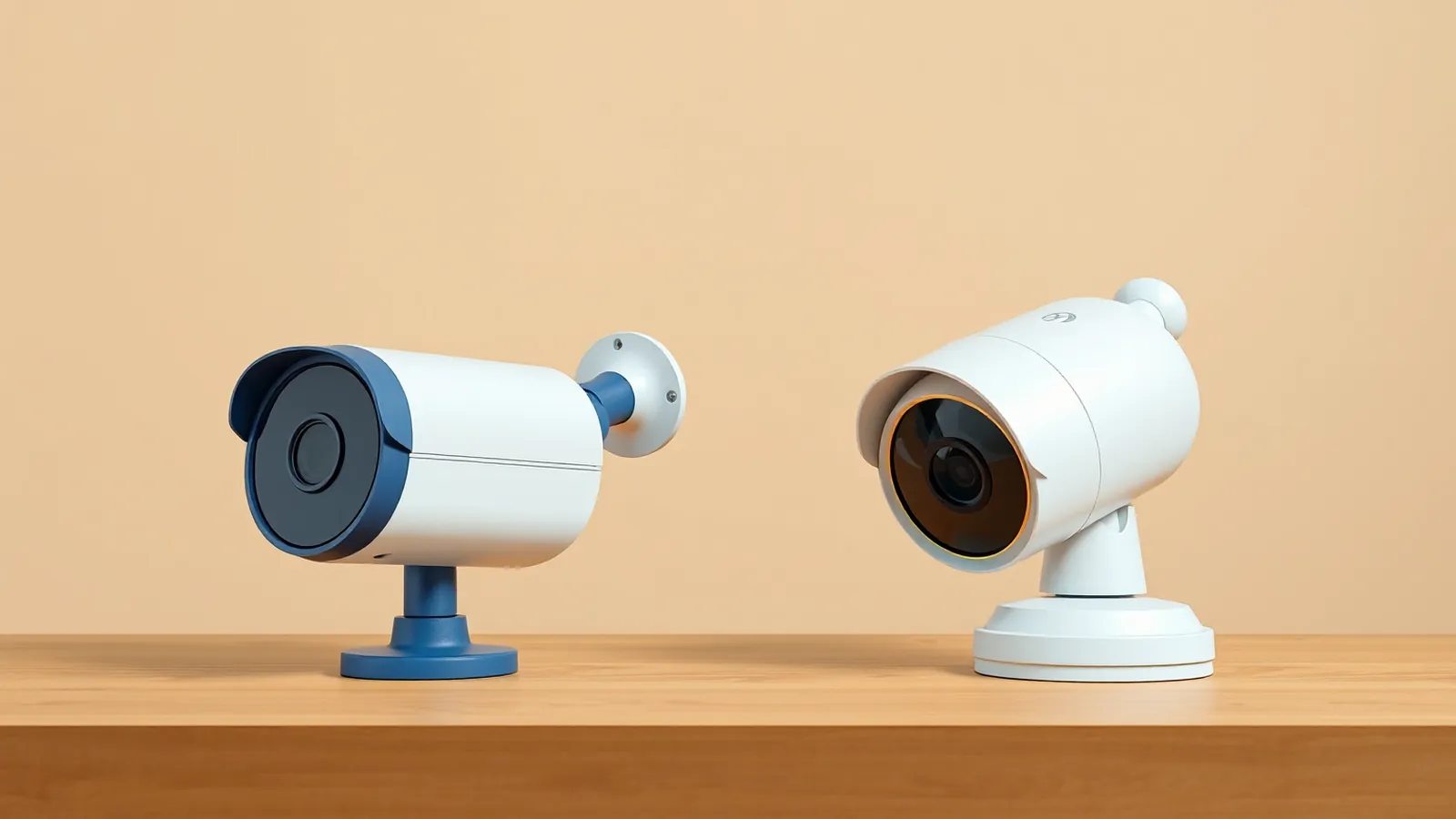
In this article (7 sections)
The right WiFi CCTV camera for most Indian homes is a 2MP (1080p) indoor camera with infrared night vision, two-way audio and a microSD slot, and for shops or outdoor spots a 2-4MP camera with an IP66/IP67 rating. Before paying, check that it is BIS-registered, supports your WiFi band (many work on 2.4 GHz only), and has an app you are comfortable using. Then add up the real cost over three years: camera, card, electricity and any cloud plan.
Step 1: Decide what you need to watch
| Use | Camera type | Why |
|---|---|---|
| Baby, elders or pets indoors | Indoor pan-tilt (PTZ) | Covers a whole room, talk-back useful |
| Main door from inside | Indoor fixed, wide angle | Always watches the door |
| Gate, parking, outside door | Outdoor fixed, IP66/IP67 | Weatherproof, wider night vision |
| Shop counter, cash drawer | Fixed, 2-4MP, mounted high | Steady view, sharper detail |
| Shop floor or godown | PTZ or two fixed cameras | Area coverage |
Listing exact spots first saves you from buying a PTZ camera for a gate or a narrow fixed camera for a large room.
Step 2: Key features explained
Resolution
- 2MP / 1080p: enough for most rooms and doorways at 3-5 metres.
- 3MP-4MP: sharper faces and number plates at a distance, but needs more storage and data. At an illustrative 2 Mbps instead of 1 Mbps, a 64 GB card holds about half as many days.
Higher numbers on the box do not guarantee better images; lens quality and low-light performance matter as much.
Night vision
Most cameras use infrared (IR) LEDs for black-and-white night video. Some offer colour night vision using a white light, which switches on at night and can disturb neighbours or attract insects. Check the stated night range against your actual distance.
Two-way audio
A microphone and speaker let you talk through the camera, useful for delivery people or checking on elders. Audio recording raises privacy questions in homes with staff or tenants, so use it thoughtfully.
Pan-tilt-zoom (PTZ)
Most budget "PTZ" WiFi cameras pan and tilt with a motor and use digital zoom, which is cropping, not true optical zoom. Motion tracking can follow people across the room.
Indoor vs outdoor (IP rating)
The IP rating shows dust and water protection. IP66 and IP67 are common for outdoor cameras. Indoor cameras without a rating fail quickly in Indian monsoons, even under a sunshade. Check also the operating temperature range, especially for rooftops facing summer sun.
Connectivity
Many budget cameras, including most V380-based ones, connect only to 2.4 GHz WiFi. Check that your router has a 2.4 GHz network and that the signal at the mounting spot is strong. Weak WiFi is the most common reason a camera keeps going offline.
Storage
Check the maximum microSD size supported (commonly 64 GB or 128 GB on budget models) and whether a cloud plan is offered and what it costs. A card is a one-time cost; cloud is recurring per camera.
App support
The app decides daily experience. For example, the V380 Pro app (Macro-video Technologies, on Google Play and the App Store) is used by many budget cameras sold under different brand names. Before buying, read recent app reviews, check that it lets you share access to family accounts, play back from SD card, download clips and get app updates. Avoid cameras whose app looks abandoned.
Step 3: Check BIS registration
CCTV cameras and recorders are covered under the BIS Compulsory Registration Scheme (CRS) for electronics, administered by the Bureau of Indian Standards under orders from MeitY. Registered products carry the BIS Standard Mark with a registration number starting with "R-". In addition, MeitY has notified essential security requirements for CCTV cameras, which non-analog cameras (which includes IP and WiFi cameras) have had to meet since April 2025 for registration.
To check:
- Look for the BIS mark and R-number on the camera, box or listing.
- Verify the registration number using the BIS Care app or the BIS website's registered-product search.
- Be cautious with unbranded imports that show no BIS mark at all.
BIS registration is a minimum compliance check, not a guarantee of quality or security, so the password and update steps after purchase still apply.
Step 4: Total cost of ownership
The sticker price is only part of the cost. Here is an illustrative 3-year estimate for one indoor camera. Prices are typical ranges and assumptions, not quotes.
| Cost item | Assumption | 3-year cost |
|---|---|---|
| Camera | ₹2,000 (budget indoor WiFi cameras are typically ₹1,500-₹3,500) | ₹2,000 |
| microSD card | ₹600 for 64 GB, replaced once | ₹1,200 |
| Electricity | 5 W × 24 h × 365 days = 43.8 units a year × ₹7 | ₹920 |
| Cloud plan | Optional; assume ₹0 | ₹0 |
| Mount, extension cord | One time | ₹300 |
| Total | ₹4,420 |
Electricity: 43.8 units × ₹7 = ₹306.60 a year, × 3 = ₹919.80, rounded to ₹920. Total: ₹2,000 + ₹1,200 + ₹920 + ₹0 + ₹300 = ₹4,420, or about ₹123 a month over 36 months.
If you add an assumed ₹2,000-a-year cloud plan, the 3-year total rises to ₹10,420, which is more than double. Outdoor cameras typically cost more upfront. For a shop with four cameras, multiply accordingly and include an installer's fee if you hire one.
Step 5: Warranty and seller
- Check the warranty period and whether it is serviced in India or only by return to the seller.
- Keep the invoice with GST details; it is needed for warranty and for an insurance claim on stolen goods. Our note on home insurance for contents explains what cover typically includes.
- Prefer authorised sellers. Very cheap listings can be refurbished units, fakes or models with outdated apps.
- For a shop, the camera can be a business expense; keep the bill with your books.
Quick buying checklist
- Use and mounting spots listed
- Resolution suits the distance (2MP rooms, 3-4MP larger areas)
- IR night range covers the distance
- IP66/IP67 for anything outdoors
- Works with your WiFi band and signal at the spot
- microSD support size noted; cloud plan price checked
- App reviews and update history checked
- BIS mark and R-number verified
- Warranty terms and GST invoice
- 3-year cost worked out
After buying, set a strong device password, update firmware and place cameras respectfully. Small recurring costs like cloud plans belong in your list of subscriptions and bills.
Key takeaways
- Match the camera type to the spot: PTZ for rooms, fixed for doors, gates and counters.
- 2MP suits most homes; 3-4MP helps for larger areas but uses more storage and data.
- Outdoor cameras need IP66/IP67; many WiFi cameras work on 2.4 GHz only.
- CCTV cameras fall under BIS Compulsory Registration; verify the R-number on the BIS Care app.
- An illustrative indoor camera costs about ₹4,420 over 3 years without cloud, roughly ₹123 a month.
Related guides: V380 Pro App Setup: Add Your WiFi Camera Step by Step, V380 Cloud Storage vs SD Card: Cost and Safety Compared, WiFi Camera Security and Privacy Tips for Homes and Shops.
Frequently asked questions
What resolution is enough for a home WiFi camera?
2MP (1080p) is enough for most rooms and doorways. For wider areas, shop floors or where you need to read faces from further away, 3MP to 4MP helps, but it uses more storage and data.
Do WiFi cameras work with 5 GHz WiFi?
Many budget WiFi cameras, including most V380-based models, connect only to 2.4 GHz WiFi. Check the box or listing; if your router broadcasts a combined network, you may need to enable a separate 2.4 GHz name for setup.
Is BIS registration required for CCTV cameras in India?
Yes. CCTV cameras and recorders are covered under BIS's Compulsory Registration Scheme for electronics, and non-analog cameras also have to meet security essential requirements notified by MeitY. Look for the BIS mark with an R-number and verify it on the BIS Care app.
Which IP rating should an outdoor camera have?
For cameras exposed to rain and dust, look for IP66 or IP67. Indoor cameras usually have no IP rating and should not be used outdoors, even under a small shade.
Is a PTZ camera better than a fixed camera?
A pan-tilt camera can cover a whole room from one spot and follow motion, which suits homes and small shops. A fixed camera watches one area all the time, which is better for gates and cash counters where you never want the view to turn away.
This article is for general education and is not personalised financial, tax or legal advice. Rates and rules are as of 29 Oct 2026; confirm current terms with your lender, AMC or a qualified adviser.